Spa & Thai Massage Website Rental in Thailand
Make it easy for guests to understand your spa
A spa or Thai massage website should answer practical questions before a guest contacts you: where are you, what services do you offer, what do they cost, and how can someone request a time? Renting a website is one way to establish this information online under an agreed service arrangement. Choose the features around your actual business operations rather than a long list of extras you will not use.
Create a clear service and price menu
Describe each service in straightforward language, with its duration, listed price and anything the guest should know before booking. Separate massage, spa packages and beauty services into useful categories. Only publish treatments you actually offer and keep descriptions accurate. Avoid unsupported health claims or suggesting that a wellness service diagnoses or cures a medical condition. Show genuine photographs of your premises where available; illustrative images should not be presented as proof of your facilities.
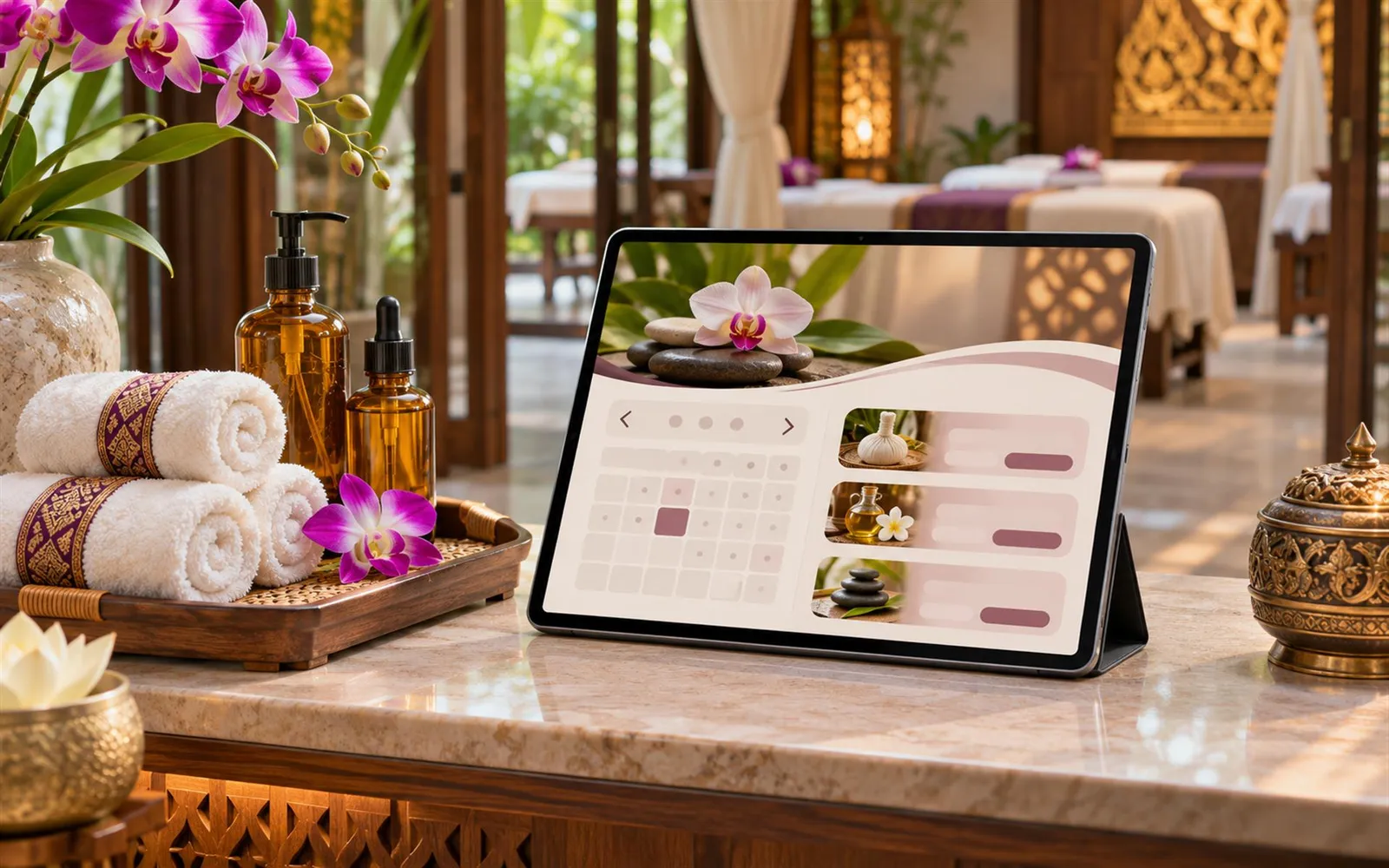
Choose a booking enquiry process your team can manage
A contact form, telephone link or messaging option may be enough for a small team. If you need live availability, multiple therapists, deposits or automatic confirmations, ask whether the proposed system supports them and what they cost. Clearly distinguish a booking request from a confirmed appointment. Provide opening hours, response expectations and your actual cancellation arrangements without promising immediate replies unless your team can deliver them.
Help local and visiting customers find you
Provide your real address, map link, landmarks and travel or parking notes when relevant. For a business serving Thai residents and international visitors, select languages your team can keep accurate. Service names, durations, prices and booking instructions should agree across translations. Check that telephone links and forms are easy to use on a phone.
Prepare a focused launch checklist
Gather your logo, current menu, business contact details and original photos. Assign someone to update prices and availability. Test the booking request from a phone and verify that the team receives it. Confirm the rental scope, domain arrangements, hosting, content updates and support with the provider. If you collect customer details, review what you request and how the business handles it before launch.
Discuss your spa website with Dee Dee Sale
Share your location in Thailand, languages, menu size and booking workflow with Dee Dee Sale. Ask for available website rental options and an itemised proposal. Confirm the agreed features and responsibilities before choosing. A clear, useful website supports informed enquiries; it does not guarantee bookings or search rankings.
Try it free for 7 days
Dee Dee Sale offers a 7-day free website trial and affordable rental packages. Contact us to request your trial and discuss a package for your business. Ask for the current features, pricing and trial terms before starting.
Comments (0)
No comments yet. Be the first to write one.
Leave a comment
Sign in or create an account to write a comment.